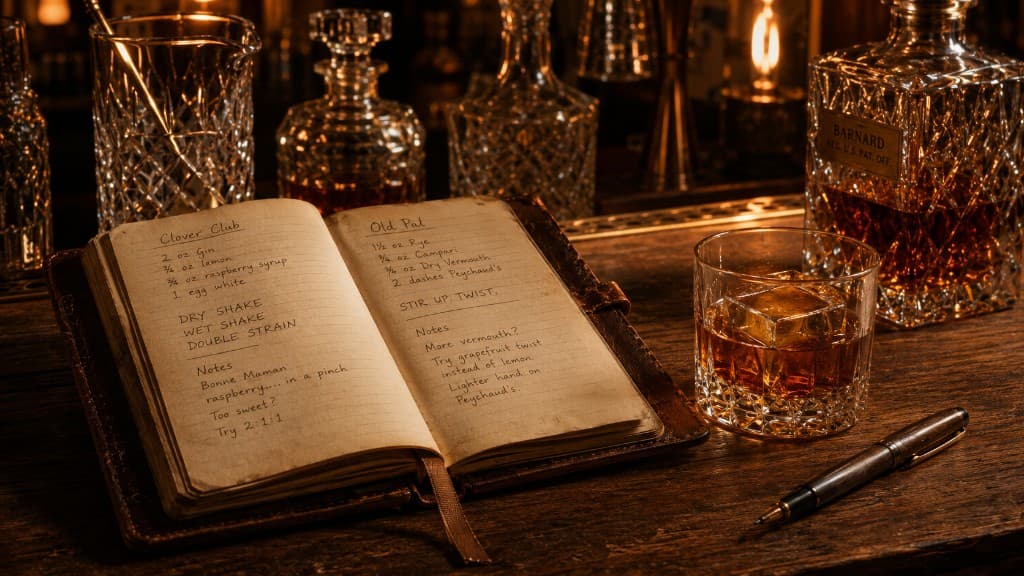
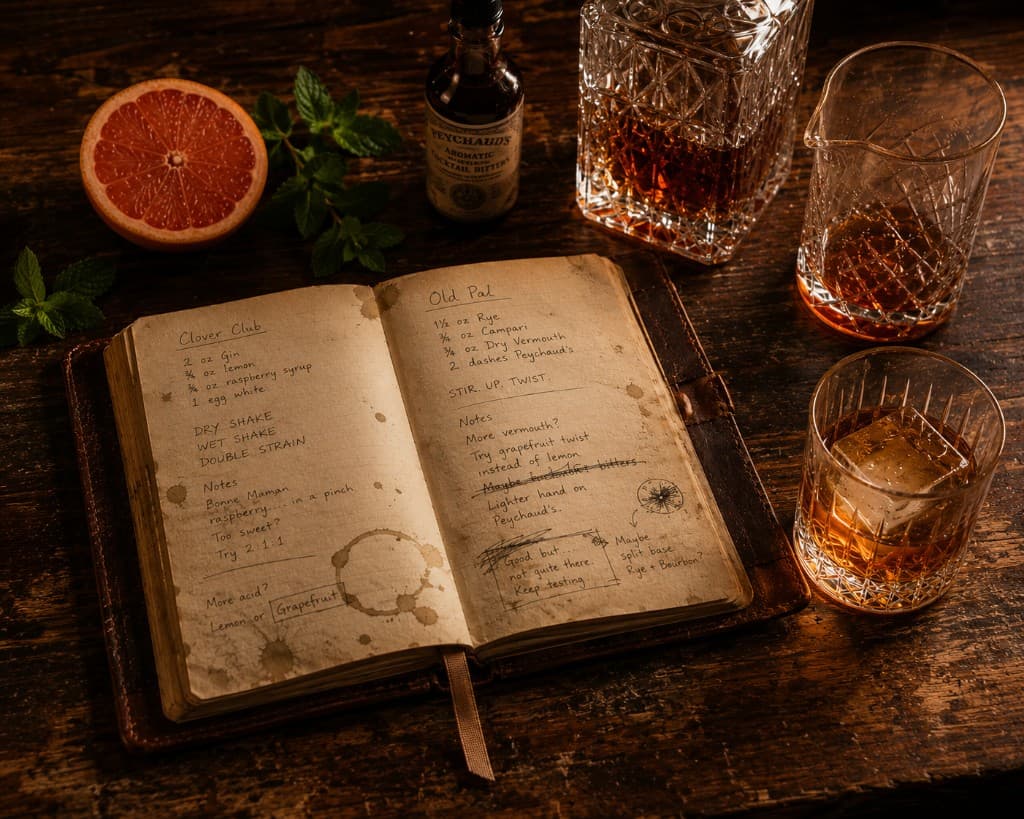
A great cookbook has dog-eared pages. The corners are bent on the recipes the cook actually makes over and over again. There are notes in the margins. Some pages have random stains that you don't remember how they got there. The printed recipe is still there underneath, but over time the book becomes personal. After enough years, it doesn't really feel like the publisher's book anymore. It feels like yours.
My Book is the cocktail version of that idea.
It's the personal section of The Bar Book. The launch library gives you 250+ cocktails to learn from. My Book is where you keep track of the drinks that matter to you — the ones you love, the ones you've authored, and the ones you've changed enough to call your own.
When you open My Book, you'll see four cards at the top. They aren't categories of recipes. They're *scopes* — different ways of looking at the same library.
Everything you've added — manually, through Make My Version, from a saved Riff, or added from an AI chat.
Every recipe in your library. The whole shelf at a glance.
Recipes you've hearted from any source.
Originals from Sean and Greg. Drinks invented and saved into our personal Bar Book that we want to share with you.
The four scopes are simple. All shows you everything in your library. Favorites shows the recipes you've hearted. From the Creator's Bar Book is a curated set of originals from Sean and Greg that we want to share with you.
Favorites are for the drinks you want to remember
When you find a drink in the library that you enjoy, heart it. It appears in your Favorites scope. Maybe it's a Manhattan you've started making regularly. Maybe it's a Paper Plane you want to remember for the next time you buy Amaro Nonino. Favoriting a recipe doesn't change it. You're simply marking it as one worth coming back to.
The recipe remains connected to the library version. If a future edition of The Bar Book corrects an ingredient, updates a note, or improves the photography, your favorite still points to that version.
A favorite is a bookmark, not a copy. It's the marker you placed beside a drink that was already there.
Your Creations is where you become an author
Your Creations holds every recipe you've made yours. Some of them you wrote from scratch. Some of them started as someone else's recipe and became yours along the way. Either way, they live here.
If you authored it, it belongs in Your Creations.
There are four routes into Your Creations.
Every recipe in Your Creations carries one of two pills. The pill records the route the recipe took to get there.
You authored the drink yourself. Either typed in from scratch through Add Recipe, or added from an AI conversation. The recipe doesn't reference an existing drink in the library. It's yours from the first ingredient.
You started from an existing recipe and made it your own. Either by hitting *Make My Version* on a recipe page and modifying it, or by saving a Riff that What Can I Make suggested. Both routes produce the same kind of thing: a personalized variation, saved as its own recipe.
The pill is the only visible difference. In every other way, a Created recipe and a Riff behave identically. Both live in Your Creations. Both can be edited, favorited, made again, used in What Can I Make matching. Both are yours.
One riff deep
A small rule about Riffs that's worth knowing.
You can riff any recipe in the library — but you can't riff a Riff.
If you've made *Your Mezcal Last Word* as a Riff, and later you want to push it further — say, swapping Chartreuse for a different liqueur — you have two paths:
You can go back to the original Last Word and create a new sibling Riff alongside the first one. Both Riffs sit in Your Creations, both reference the same original library recipe, neither knows about the other.
Or you can make a new recipe from your existing Riff — a one-click clone that copies the Riff's contents into a fresh recipe with no provenance attached. The clone becomes a Created recipe in its own right. You can edit it freely, and you can keep riffing on it later if you want — because now it's a Created recipe, not a Riff.
The rule keeps the lineage clean. A Riff is one step away from a library recipe — that's the whole idea. Two steps and the connection stops being meaningful.
The library is the dictionary. My Book is the way you actually talk.
The argument of this chapter
The library belongs to everyone. The recipes are researched, written, edited, and maintained by The Bar Book. Saving a recipe doesn't change it. Riffing a recipe doesn't change it. Disagreeing with a ratio definitely doesn't change it.
Your Creations belong to you. The library is the dictionary; Your Creations is the way you actually talk.
My Book is shared inside your House
There's one important wrinkle. If you use The Bar Book by yourself, you'll probably never think about this — your House contains one person, so your book is effectively private. But many bars aren't used by one person.
A couple with a shared liquor cabinet doesn't keep separate cocktail notebooks. A group of friends with a shared bar doesn't maintain separate recipe collections. The drinks, ingredients, and experiments tend to accumulate in one place.
That's how Houses work. When someone in your House favorites a recipe, it appears in My Book. When they create a new cocktail, the rest of the House sees it. When they Riff a recipe and save the result, everyone benefits from the change.
My Book belongs to the House because the bar belongs to the House.
You'll learn more about Houses in No. IX. For now, just remember that My Book is a shared record of the drinks your House actually makes.
My Book is home
When you sign in to The Bar Book, My Book is the default landing page. The Manuscript is always available in the navigation and you can return to it whenever you want to keep reading. But My Book is home.
That's deliberate. The library teaches cocktails. The Manuscript teaches ideas. My Book records practice.

Over time My Book becomes the most personal part of The Bar Book. Save the drinks you love. Write down the ones you create. Riff the ones you'd change. A few months from now you'll have something more useful than a collection of cocktail recipes.
You'll have a record of your taste.
That's the dog-eared page. That's the note in the margin. That's how a cocktail book becomes your book.